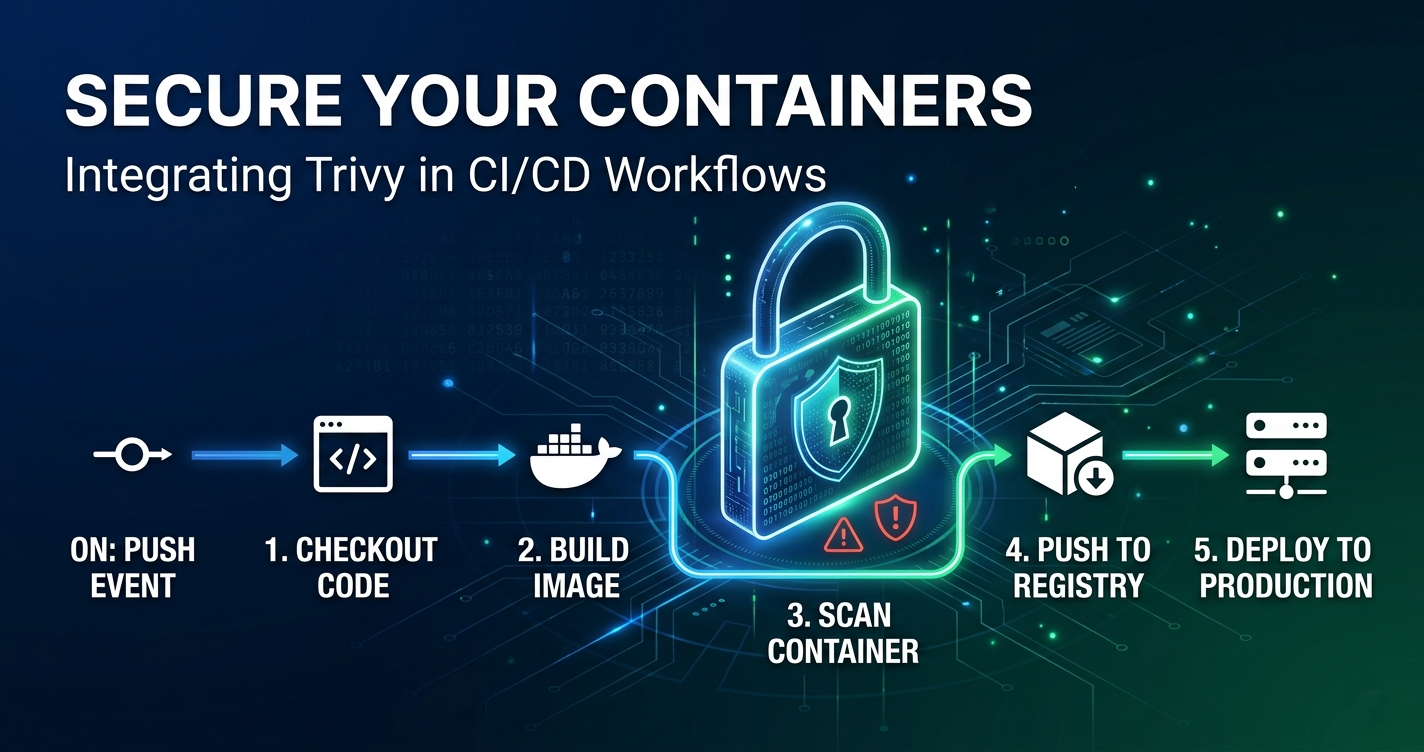
A digital lock icon overlaid on a GitHub repository workflow diagram symbolising supply chain security

Practical GitHub Repository Hardening for a Hugo Site

This hardening effort was directly triggered by the recent Trivy supply chain compromise, which impacted some repositories in my workplace. That prompted a full review of my own repository controls. If you want more information about the incident and the response, the following two links are worth reading first: Incident analysis: Trivy Compromised a Second Time (StepSecurity) Official disclosure and remediation guidance: Aqua Security discussion #10425 The aim of my actions to my repository was not to chase perfect security. It was to put in place some practical controls that are easy to maintain and that reduce real risk in day-to-day development. ...

April 1, 2026 · 8 min · 1513 words · Eakan Gopalakrishnan
A layered diagram showing GitHub Enterprise at the top flowing down through Organisation to a personal repository with a padlock overlay, representing policy inheritance

When Your Workplace Controls Your Personal GitHub Repos: Understanding GitHub Org Policies

I was hardening this blog’s GitHub repository as part of a security series — adding CodeQL static analysis, Dependabot, and secret scanning. Everything went smoothly until I tried to run CodeQL in a workflow against my personal, private repository. The workflow ran. The analysis completed. And then it failed with this: Warning: This run of the CodeQL Action does not have permission to access the CodeQL Action API endpoints. Code scanning is not enabled for this repository. The repository settings showed Code Scanning as available. The workflow had security-events: write. The YAML was valid. The workflow was not running from a fork. Nothing obvious was wrong. ...

April 1, 2026 · 7 min · 1371 words · Eakan Gopalakrishnan
Signed Git commit verification badge on GitHub

How and Why should you Sign Git Commits with GPG: A Practical Guide

So you were going through commits in your organisation’s repository and saw a little “Verified” badge next to the commit hash. Wondered how their commit got Verified? GitHub certainly doesn’t have a subscription that will give you a “Verified” badge like some other social media platforms. You know the one, I’m talking about. So what does it mean? How do you get that? Let’s explore. What Is Git Commit Signing? Do you remember how you configured Git on your machine? You probably ran a couple of commands like these: ...

December 12, 2024 · 6 min · 1132 words · Eakan Gopalakrishnan
Comments flying in air like hot air balloons just around sunset

How to add commenting functionality to your Hugo Blog using Utterances

Before I used PaperMod as my website’s base theme, I had it using Hugo-clarity. Both these themes couldn’t be further apart from one another. When I look back today, I still wonder why I chose Clarity, maybe it was the fact that it came with an abundant feature-set, of which I probably only used like 50% or less. But it was my first experience with Hugo. Back then, I used Disqus to enable users to comment on my posts. It was easy to get started with in that theme, there was built-in support. All I had to do was link my Disqus account, which I created just for this purpose. ...

February 4, 2024 · 4 min · 663 words · Eakan Gopalakrishnan