
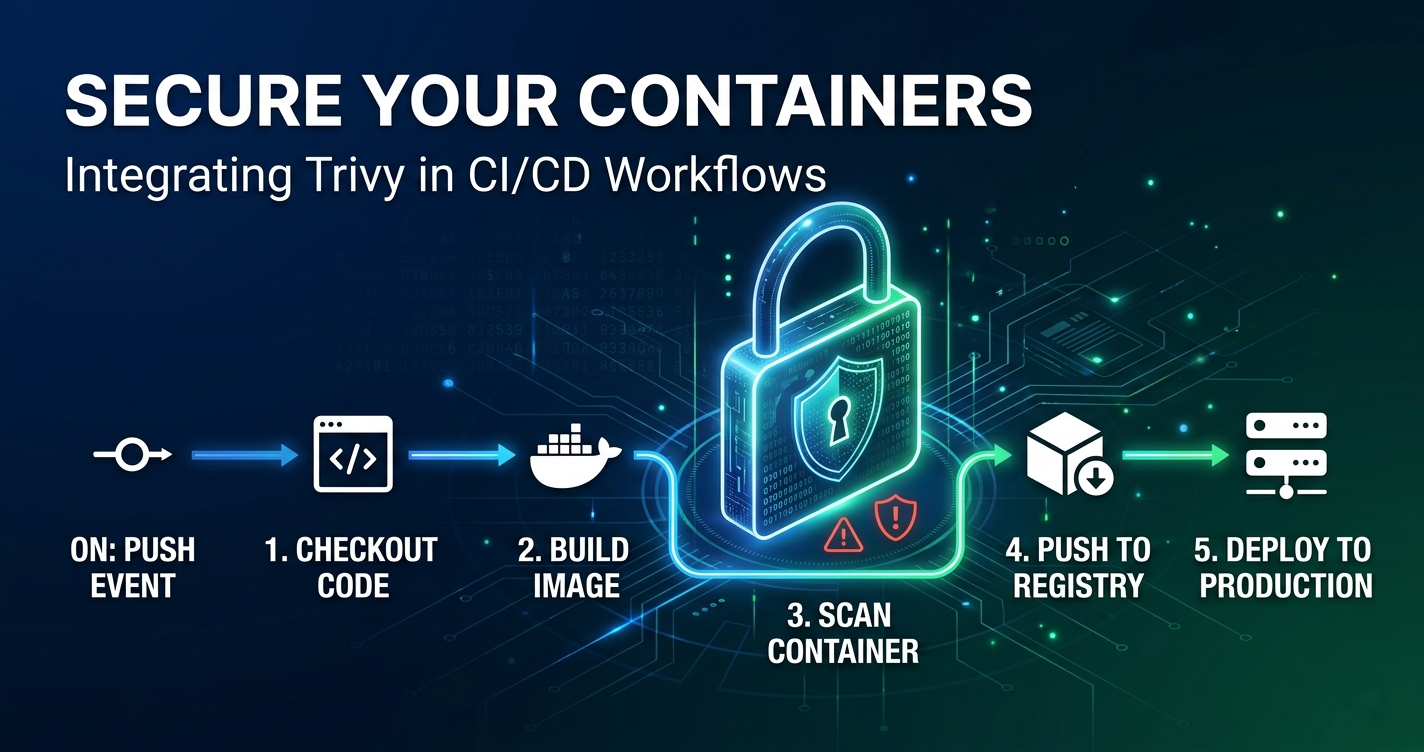
Before we dive in, this post was directly inspired by the recent Trivy compromise incident that impacted my workplace and forced me to reassess how exposed we really are to supply chain vulnerabilities. That incident was the wake-up call that pushed me to harden this repository at the source-control and build-pipeline level, not just at runtime.
There is this assumption that most developers carry around in the back of their minds. It sounds something like: “I’m just a personal blogger. Nobody is targeting me.”
I used to think that too.
The reality is that supply chain attacks do not target you specifically. They target any repo with unguarded dependencies, any workflow that pulls from unversioned sources, and any build pipeline that downloads binaries without verifying them. Your personal blog or open source project might be exactly the kind of low-effort, low-noise entry point an attacker would love.
This post walks through what I did to harden this very blog’s GitHub repository — and more importantly, why each change matters, not just what the change is.
What Is Repository-Level Security?
When most engineers think about security, they think about application security — SQL injection, OWASP Top 10, sanitising inputs, encrypting data in transit. All of that matters.
But repository security is a layer above (or below, depending on how you look at it). It is the set of controls that govern:
- What code can get into your
mainbranch. - What dependencies your project trusts.
- How your build pipeline acquires and runs external tools.
- Who is authorised to make changes to security-critical files.
- How vulnerabilities are reported and addressed.
For a static site built with Hugo and deployed via AWS Amplify, you might think there is nothing sensitive to protect. But consider this: your amplify.yml is an instruction set that runs inside a cloud build environment. If a malicious dependency is introduced into that pipeline, it could exfiltrate environment variables, backdoor your build output, or introduce hidden content into your site before deployment.
That is not theoretical. That is what happened at scale in the SolarWinds attack — a build pipeline was compromised, and the infected artefact was trusted implicitly.
The Six Changes and Why I Made Them
1. Dependabot: Automated Vulnerability Scanning
The file: .github/dependabot.yml
Keeping dependencies current is one of the highest ROI security activities you can do. Not because new versions are always better, but because security vulnerabilities are regularly discovered and patched in existing dependencies. If you are not updating, you are accumulating known vulnerabilities.
The problem is that nobody checks manually. Life is busy. A Hugo theme you pulled in last year might have a known vulnerability that was patched six months ago, but you would never know unless you looked.
Dependabot closes that loop. It scans your dependency files and automatically opens pull requests when updates are available — including ones specifically flagged as security fixes.
Here is what the configuration covers for this blog:
updates:
  - package-ecosystem: "gomod"     # Hugo modules (themes, shortcodes)
    directory: "/"
    schedule:
      interval: "weekly"
  - package-ecosystem: "github-actions"  # CI/CD workflows
    directory: "/"
    schedule:
      interval: "weekly"
  - package-ecosystem: "npm"       # Future-proofed for any JS tooling
    directory: "/"
    schedule:
      interval: "weekly"
Dependabot does not auto-merge changes. It opens a PR and you review it. You stay in control, but the scanning happens automatically.
Tip
Dependabot alerts are different from Dependabot security updates. Alerts notify you of a known vulnerability. Security updates open a PR with the fix. Enable both under Settings → Security → Dependabot.
2. Pinning GitHub Actions Versions
The file: .github/workflows/main.yml
Before this change, the workflow contained:
uses: actions/checkout@master
That looks harmless. But it is not.
@master means “whatever is on the main branch of the actions/checkout repository right now.” Today that might be fine. Tomorrow, if that repository is compromised, your workflow will pull and execute the compromised code — automatically, on every push, with full access to your build environment and secrets.
This is not a hypothetical attack vector. The tj-actions/changed-files supply chain incident in 2025 demonstrated exactly this: an action was compromised, and every workflow that referenced it by branch name immediately started executing malicious code.
The fix is to pin to a specific version tag:
uses: actions/checkout@v4
Even better is to pin to a specific commit SHA (immutable), but version tags are a reasonable starting point for most projects.
  sequenceDiagram
    participant W as Your Workflow
    participant R as actions/checkout repo
    participant A as Attacker

    Note over W,R: Before: @master (mutable reference)
    W->>R: "Give me @master"
    A-->>R: Compromises master branch
    R->>W: Returns malicious code ❌

    Note over W,R: After: @v4 (pinned tag)
    W->>R: "Give me @v4"
    A-->>R: Tries to compromise master branch
    R->>W: Returns v4 (unchanged) ✅
3. Checksum Verification for Build Tools
The file: amplify.yml
The Amplify build pipeline downloads three external binaries before it can build the site: Dart Sass, Go, and Hugo. The original configuration curl’d each one and extracted it immediately:
- curl -LJO https://github.com/sass/dart-sass/releases/download/...dart-sass.tar.gz
- sudo tar -C /usr/local/bin -xf dart-sass.tar.gz
There is no check here. If the download was intercepted (man-in-the-middle), if the CDN was caching a corrupted file, or if the release assets on GitHub were tampered with, the build would proceed with whatever it received. The binary would be installed and executed with sudo in the build environment.
The updated pipeline downloads the official .sha256 checksum file alongside the archive and verifies the integrity before extracting:
- curl -LJO https://github.com/sass/dart-sass/releases/download/${DART_SASS_VERSION}/dart-sass-${DART_SASS_VERSION}-linux-x64.tar.gz
- curl -LJO https://github.com/sass/dart-sass/releases/download/${DART_SASS_VERSION}/dart-sass-${DART_SASS_VERSION}-linux-x64.tar.gz.sha256
- sha256sum -c dart-sass-${DART_SASS_VERSION}-linux-x64.tar.gz.sha256 || { echo "Dart Sass checksum verification failed"; exit 1; }
- sudo tar -C /usr/local/bin -xf dart-sass-${DART_SASS_VERSION}-linux-x64.tar.gz
If the checksum does not match, the build exits with a non-zero code. The deployment never happens. You get a failed build notification instead of a quietly compromised site.
Warning
The || { echo "..."; exit 1; } pattern is important. Without it, a failed sha256sum -c would print an error but the script would continue executing by default in many CI environments.
4. Hugo Module Dependency Verification
The file: .github/workflows/dependencies.yml
Hugo uses Go modules to manage theme dependencies (PaperMod, hugo-notice, etc.). For this workflow, the integrity checks should run through Hugo’s module commands:
hugo mod verify: Verifies module dependencies used by Hugo.hugo mod tidy: Cleans and normalises the module dependency graph for the site.
The new workflow runs these checks on every pull request that touches go.mod or go.sum:
- name: Verify go.mod consistency
  run: |
    hugo mod verify
    hugo mod tidy
hugo mod verify ensures that the modules used by Hugo are verified before build. hugo mod tidy keeps the module graph clean and predictable for future builds.
Without this, a contributor (or an automated process) could modify go.mod to introduce a new unverified dependency, and the build would simply trust it.
5. Security Policy
The file: .github/SECURITY.md
This one is not technical. It is organisational.
Without a SECURITY.md, if someone finds a vulnerability in your site or repository, they have two options: open a public issue (which broadcasts the vulnerability to everyone before you have a chance to fix it), or say nothing at all.
A SECURITY.md file gives security researchers a private channel and sets expectations. GitHub’s security tab will also display a “Report a vulnerability” button that links to it — effectively making responsible disclosure easy and the irresponsible kind less likely.
From the OWASP Security Knowledge Framework perspective: having a defined process for receiving and responding to vulnerability reports is part of the baseline security posture even for small projects.
6. CODEOWNERS
The file: .github/CODEOWNERS
The CODEOWNERS file tells GitHub who must review changes to specific files or directories. For this blog, the configuration looks like this:
*                   @lonelydev
.github/workflows/  @lonelydev
.github/dependabot.yml @lonelydev
amplify.yml         @lonelydev
go.mod              @lonelydev
go.sum              @lonelydev
What this means in practice: any pull request that touches a workflow definition, build configuration, or dependency file will automatically request my review. Even if I had a contributor or a bot creating PRs, changes to the security surface of the repository cannot be merged without explicit sign-off from the code owner.
Combined with branch protection rules that require code owner approval, this closes the loop. A Dependabot PR touching go.mod will require my explicit approval before it lands in main.
What About Branch Protection Rules?
The above changes land in a pull request. For the enforcement to be complete, you also need branch protection rules on main. These cannot be configured in a file in the repo — they live in GitHub’s repository settings.
Here is what to enable under Settings → Branches → Add rule with pattern main:
| Setting | Why |
|---|---|
| Require pull request before merging | Nothing lands directly in main without a PR |
| Require approvals (1) | Forces a review cycle |
| Dismiss stale approvals | A new commit invalidates the previous approval |
| Require code owner review | CODEOWNERS file is actually enforced |
| Require status checks to pass | Build and dependency verification must succeed |
| Require branches to be up to date | Prevents merging stale code that bypasses checks |
| Block force pushes | Prevents rewriting history on main |
These settings do not require any code changes — just a few clicks in the UI.
The Bigger Picture: Defence in Depth
Each of these changes in isolation is low effort. Together they implement the principle of defence in depth — multiple independent layers, so that a failure at one layer does not immediately result in a compromised system.
  graph TD
    A[Developer makes a change] --> B{PR created}
    B --> C[CODEOWNERS: auto-request review]
    C --> D[Dependency Workflow: verify go.mod integrity]
    D --> E[Build: checksum-verified tool downloads]
    E --> F[Dependabot: continuous weekly scanning]
    F --> G{All checks pass?}
    G -- "Yes" --> H[Merges to main ✅]
    G -- "No" --> I[PR blocked, notified 🚫]
No single control is perfect. Dependabot does not protect against a zero-day. Checksum verification does not catch a compromised upstream release server with valid checksums (see: what GPG signing is for). CODEOWNERS does not prevent a compromised GitHub account (see: commit signing for that).
But together, these controls raise the cost of attack significantly while remaining easy to maintain.
What’s Next?
Phase 1 covers the supply chain boundary. The natural next steps are:
Phase 2: Secret Scanning & Code Analysis
- Secret scanning: Blocks commits that contain tokens, API keys, or credentials — before they ever reach GitHub.
- CodeQL: Static analysis that finds potential vulnerabilities in JavaScript and other code in the repo.
Phase 3: Build Integrity (SLSA)
- SLSA (Supply Chain Levels for Software Artefacts) is a framework for verifying that a build came from a specific source and was not tampered with. For a static site, SLSA Level 2 is achievable and provides provenance attestation for the build output.
If you want to apply Phase 1 to your own Hugo or static site repository, all the files created here are straightforward to adapt. The workflow files and Dependabot configuration especially copy across with minimal changes.
Security is not a one-time task. It is a habit. Starting at the repository level — before code even runs — is one of the best places to build that habit.
This is part of a series on repository and application security for software engineers who want to secure their work without becoming full-time security professionals.