
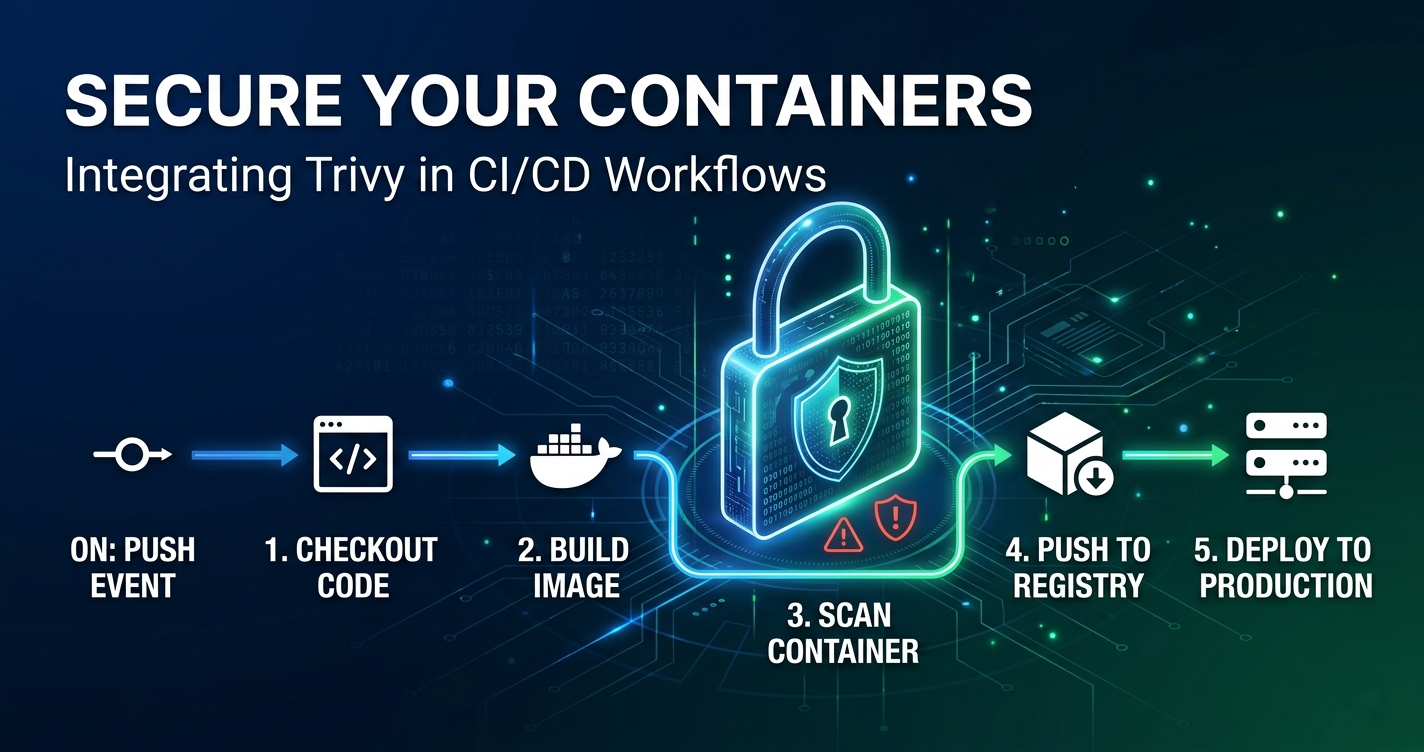
This hardening effort was directly triggered by the recent Trivy supply chain compromise, which impacted some repositories in my workplace. That prompted a full review of my own repository controls.
If you want more information about the incident and the response, the following two links are worth reading first:
- Incident analysis: Trivy Compromised a Second Time (StepSecurity)
- Official disclosure and remediation guidance: Aqua Security discussion #10425
The aim of my actions to my repository was not to chase perfect security. It was to put in place some practical controls that are easy to maintain and that reduce real risk in day-to-day development.

Why Repository Hardening Matters
For a static site like this blog, most of the risk is in the repository and pipeline layers:
- Dependency updates
- CI workflows and action references
- Build tool downloads
- Merge controls and review gates
- Secret leakage in commits
If those layers are weak, a clean application codebase still has exposure. So there are always going to be actions you can take to improve your repository’s security posture.

Hardening Measures Implemented
1. Automated Dependency Maintenance
Dependabot is configured for Hugo modules, GitHub Actions, and npm. This keeps dependency drift visible and turns updates into reviewable pull requests instead of surprise breakages.
Here is how I have configured it:
version: 2
updates:
  # Enable version updates for Go modules
  - package-ecosystem: "gomod"
    directory: "/"
    schedule:
      interval: "weekly"
      day: "monday"
      time: "03:00"
    open-pull-requests-limit: 5
    reviewers:
      - "lonelydev"
    allow:
      - dependency-type: "direct"
      - dependency-type: "indirect"
    commit-message:
      prefix: "chore(deps)"
      include: "scope"

  # Enable version updates for GitHub Actions
  - package-ecosystem: "github-actions"
    directory: "/"
    schedule:
      interval: "weekly"
      day: "monday"
      time: "04:00"
    open-pull-requests-limit: 5
    reviewers:
      - "lonelydev"
    commit-message:
      prefix: "ci(deps)"
      include: "scope"

  # Enable version updates for npm (future-proofing if package.json is added)
  - package-ecosystem: "npm"
    directory: "/"
    schedule:
      interval: "weekly"
      day: "monday"
      time: "05:00"
    open-pull-requests-limit: 5
    reviewers:
      - "lonelydev"
    allow:
      - dependency-type: "direct"
      - dependency-type: "indirect"
Let’s take a look at what the fields mean:
package-ecosystem: what to track—gomod for Hugo modules, github-actions for workflow updates, npm for JavaScript dependenciesschedule: staggered weekly updates (Monday at different hours) prevents a flood of PRs all at onceopen-pull-requests-limit: 5: caps how many concurrent dependency PRs are open, keeping noise manageablecommit-message: prefixes follow conventional commits (chore(deps) for general deps, ci(deps) for actions), keeping the commit history readableallow: limits updates to direct and indirect dependencies;directmeans dependencies you explicitly define, whileindirectmeans transitive dependencies pulled in by your direct ones. You can restrict to just direct if you want tighter control and fewer PRs.reviewers: assigns these updates to you, so they show up in your workflow
Check out Dependabot docs for more information
2. Workflow Action Version Pinning and Updates
Workflows use pinned action versions rather than floating branch references. On top of that, Dependabot tracks Actions updates so the pinning stays current.
For example, this is safer than using moving references such as @main:
steps:
  - name: Checkout
    uses: actions/checkout@v6

  - name: Set up Go
    uses: actions/setup-go@v6
    with:
      go-version: "1.24.2"
If you want stricter supply chain control, pin to a commit digest instead of a tag:
steps:
  - name: Checkout
    uses: actions/checkout@b4ffde65f46336ab88eb53be808477a3936bae11 # v6.0.0
In practice, major-version pins (@v6) are a good baseline for most repositories, while digest pins provide stronger immutability when you need higher assurance.
3. Reproducible Build Behaviour in CI
One important change was removing runtime dependency mutation in CI.
The build pipeline no longer runs hugo mod get -u during normal build execution. Instead it verifies and tidies module state, then fails if dependency files change unexpectedly.
For example, avoid this pattern in normal CI builds:
- name: Build site (non-deterministic)
  run: |
    hugo mod get -u
    hugo --minify
Use this instead:
- name: Verify module state is reproducible
  run: |
    # Validate checksums against go.sum
    hugo mod verify

    # Normalise Hugo module metadata
    hugo mod tidy

    # Fail if CI had to change tracked dependency files
    if ! git diff --quiet -- go.mod go.sum; then
      echo "::error::go.mod/go.sum changed during CI. Run 'hugo mod tidy' locally and commit the result."
      git diff -- go.mod go.sum
      exit 1
    fi

- name: Build site
  run: hugo --minify
This makes dependency drift explicit in pull requests rather than silently changing behaviour at build time.
This keeps builds predictable and avoids silent dependency drift.
4. Toolchain Version Alignment
Go and Hugo versions were aligned across workflows and the Amplify build. This reduces “works in one pipeline but not another” behaviour and makes failures easier to reason about.
# Amplify build spec example
version: 1
frontend:
  phases:
    preBuild:
      commands:
        - export GO_VERSION=1.24.2
        - export HUGO_VERSION=0.147.1
        - echo "Using Go ${GO_VERSION} and Hugo ${HUGO_VERSION}"
        - curl -L "https://go.dev/dl/go${GO_VERSION}.linux-amd64.tar.gz" -o /tmp/go.tgz
        - curl -L "https://github.com/gohugoio/hugo/releases/download/v${HUGO_VERSION}/hugo_extended_${HUGO_VERSION}_linux-amd64.tar.gz" -o /tmp/hugo.tgz
    build:
      commands:
        - hugo --minify
# GitHub Actions workflow example
name: Build
on: [push, pull_request]

jobs:
  build:
    runs-on: ubuntu-latest
    steps:
      - uses: actions/checkout@v6

      - name: Set up Go
        uses: actions/setup-go@v6
        with:
          go-version: "1.24.2"

      - name: Set up Hugo
        uses: peaceiris/actions-hugo@v3
        with:
          hugo-version: "0.147.1"
          extended: true

      - name: Build
        run: hugo --minify
If you are new to Amplify build specs, the official syntax reference is here: AWS Amplify build settings (amplify.yml) specification.
5. Build Tool Integrity Checks in Amplify
The Amplify pipeline verifies checksums for downloaded build tools before extraction and execution.
That includes Dart Sass, Go, and Hugo release artifacts, with explicit fail-fast behaviour when verification does not match.
6. Secret Scanning in CI
Gitleaks runs in CI for pushes and pull requests to main. This adds a baseline control for accidentally committed tokens, keys, and other sensitive strings.
7. Local Secret Scanning Before Commit
A pre-commit hook was added with Gitleaks so developers can catch most secret leaks before pushing code.
This is one of the cheapest controls to add and it saves cleanup time later.
8. SAST with Semgrep (Instead of CodeQL)
SAST means Static Application Security Testing. It analyses source code, configuration, and workflow files without executing the application, to catch potential security issues early in the development lifecycle. Popular SAST tools in current use include Semgrep, CodeQL, SonarQube, Snyk Code, and Checkmarx.
CodeQL is GitHub’s semantic code analysis engine. It converts code into a queryable database and runs security queries over that data model to identify potential vulnerabilities and insecure coding patterns. It is especially useful for code scanning workflows when repository and organisation permissions allow Code Scanning uploads.
Originally, the plan was to use CodeQL. In practice, organisation-level permissions overrode repository-level feature settings for my account context, so CodeQL upload features were unavailable for this repo setup.
I documented that permissions issue in detail here: When Your Workplace Controls Your Personal GitHub Repos: Understanding GitHub Org Policies.
Rather than leaving a gap, I switched to Semgrep in GitHub Actions. That kept static analysis coverage in place without relying on unavailable permissions.
Semgrep is a rule-based static analysis tool that scans source code and configuration files for insecure patterns. It is a strong alternative here because it is straightforward to run in CI, works well with pull request gating, and does not depend on GitHub Code Scanning upload permissions to be effective. If you want to explore it further, the official docs are a good starting point: Semgrep documentation.
The key point: if your first tool is blocked by policy, choose a workable alternative.
9. Dependency Review on Pull Requests
A dedicated dependency review workflow now checks dependency changes during PRs and fails on high severity findings.
10. OSSF Scorecard Monitoring
OSSF means the Open Source Security Foundation, a cross-industry initiative focused on improving open source software security practices. To learn more, see the official site: OpenSSF.
A scheduled Scorecard workflow was added to track repository-level security posture over time.
Scorecard checks signals such as branch protection, workflow hardening, and dependency update hygiene, so it is useful as an ongoing posture check rather than a one-off audit.
This helps catch policy or workflow regressions early.
11. Governance Baseline
The repository includes:
SECURITY.mdfor responsible disclosure flowCODEOWNERSfor security-sensitive review ownership- Branch protection guidance for required reviews and checks
These controls are simple, but they establish clear accountability.
How These Controls Work Together
    ---
config:
  theme: dark
---
graph TD
    A[Developer changes code] --> B[Pre-commit secret scan]
    B --> C[Push or PR to main]
    C --> D[Dependency verification]
    C --> E[Secret scanning in CI]
    C --> F[Semgrep SAST]
    C --> G[Dependency review]
    D --> H{All required checks pass?}
    E --> H
    F --> H
    G --> H
    H -- Yes --> I[Merge allowed]
    H -- No --> J[Merge blocked]
This is not about any single control being perfect. It is about layered checks at different points in the development flow.
What I Would Recommend Next
If you are doing similar hardening on a personal or small-team repo, this sequence works well:
- Start with dependency hygiene and workflow pinning.
- Make CI builds deterministic.
- Add secret scanning and SAST.
- Add PR-time dependency review.
- Add scheduled posture checks like Scorecard.
- Enforce branch protection and code owner approvals.
You do not need to do everything in one day. Small, steady changes still improve your security posture significantly.